Docs

Clerion documentation

Clerion is website intelligence for AI founders: web analytics, AI-assistant traffic, conversions and revenue by source, SEO and AI-readiness, speed and errors from one script tag. It finds the patterns in the data, ranks what changed and tells you the fix. These docs cover how to set it up and how each feature works.

New here? Start with the Quickstart: an account, one line in your site's head, and Clerion fills in from your first visitor.

Getting started

PageWhat it covers
QuickstartCreate an account, paste the snippet, read the first briefing.
Install on your platformWhere the line goes on WordPress, Shopify, Webflow, Squarespace, Wix, Next.js and the rest.
Import your historyBring Google Analytics 4 history across, so the briefing has something to say on day one.
Check your installationConfirm visits are arriving, and what to do when they are not.

Tracking

PageWhat it covers
Custom eventsCount signups, purchases and anything else with one call or one attribute.
Revenue by sourceSee which source brings paying customers, ChatGPT included.

Visitor insight

PageWhat it covers
Exit questionAsk visitors about to leave a page why, once, from five answers.
Rage clicksFind the elements people click again and again.

Releases

PageWhat it covers
Deploy markersMark each deploy from CI and see what it did to errors and conversion.

Integrations

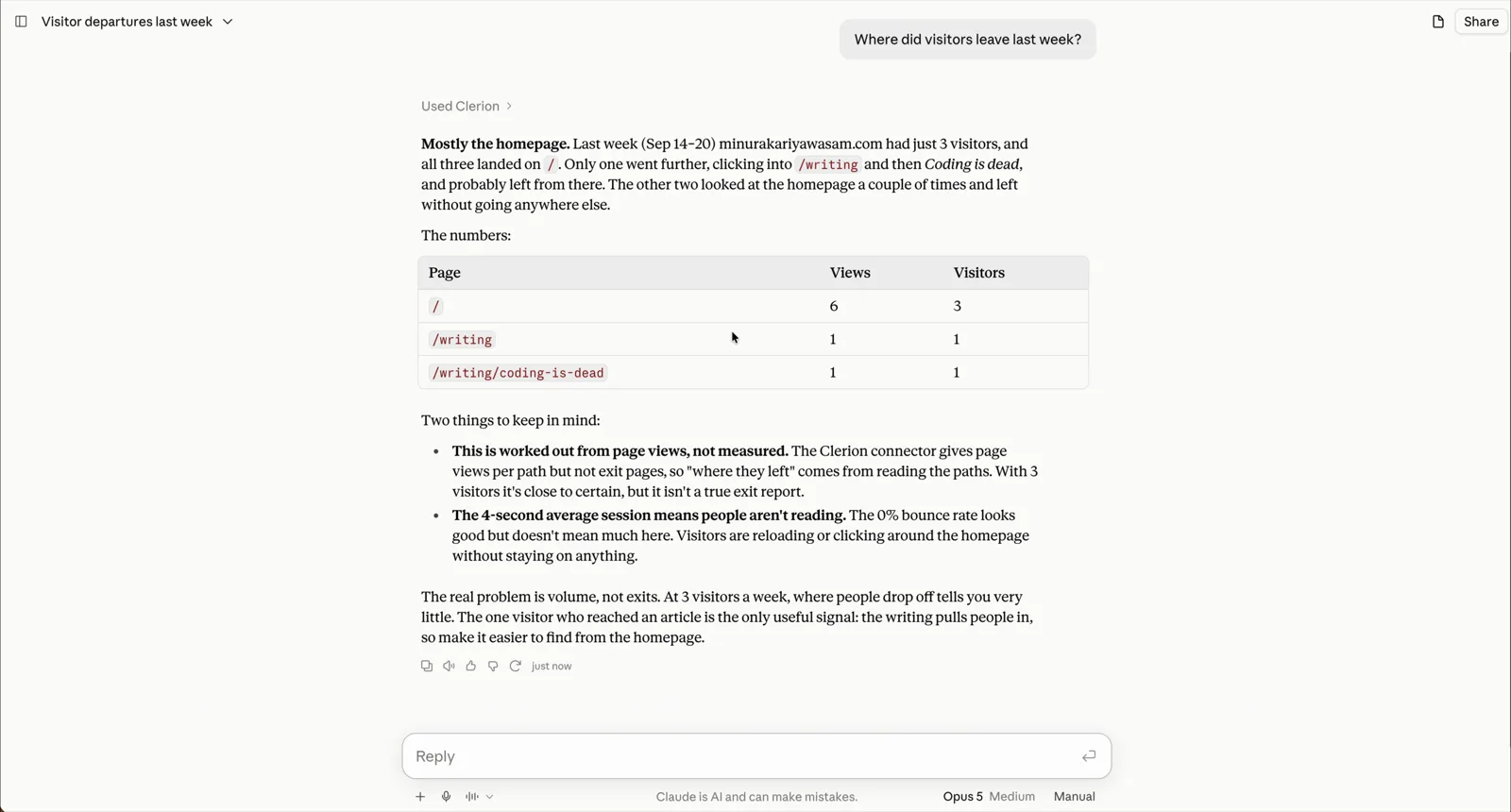
MCP server

Read every report from Claude, Cursor or any MCP client.

27 tools that read: traffic, AI assistants, revenue by source, errors, speed and the briefing itself, with the same figures as the app. One more connects a site from the chat. On every plan, free included.

  • Claude
  • Cursor
  • ChatGPT
  • Claude Code
  • Any MCP client
Set up the MCP server →

Reference

PageWhat it covers
Script tagEvery attribute the snippet reads.
JavaScript APIThe methods on window.clerion.
Configuration optionsEvery option when you start the tracker yourself.
Consent bannerOptional, one tag, remembers the visitor's choice.
Dashboard filtersClick to filter, and filters in the page address.
Export and retentionCSV or JSON out, how long data is kept, how to delete it.

Copy a page

Every page has a Copy page as Markdown button, and is served as plain Markdown at its address plus .md. The whole manual is one file at /docs/everything.md, for pasting into an assistant.

Something missing or wrong here? Write to hello@getclerion.com, or ask from inside the app.